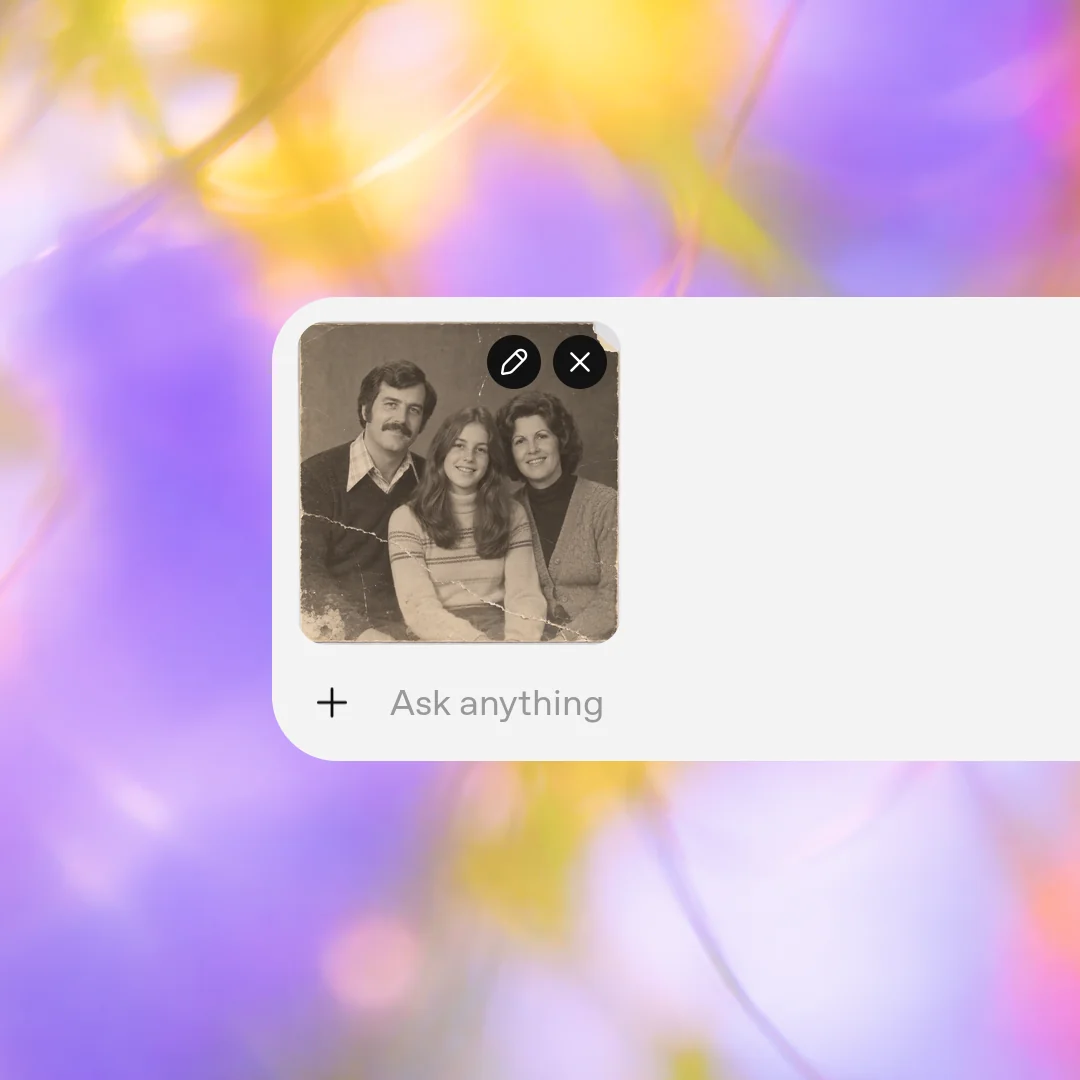
Step 1
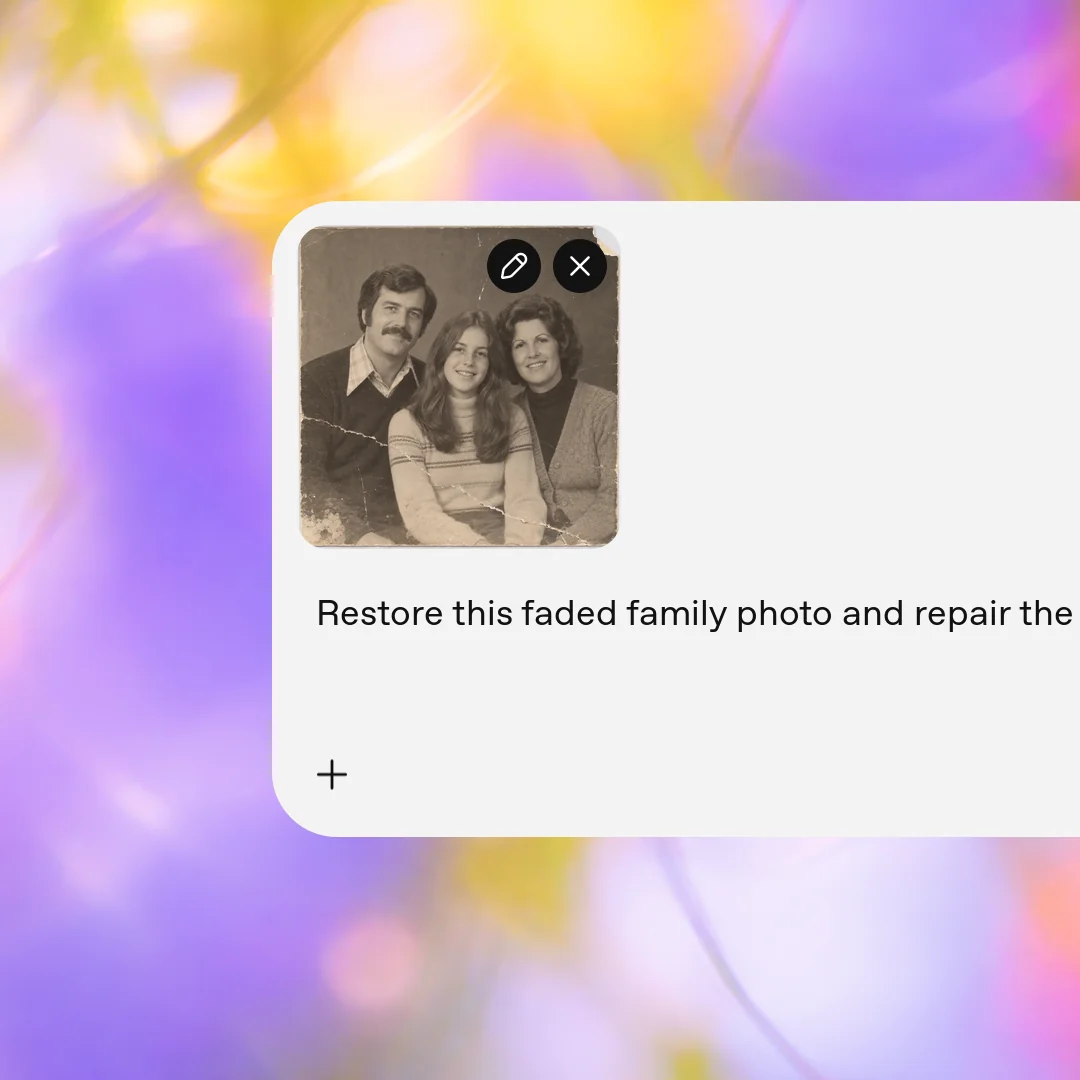
Upload your scanned photo
Start with the original imperfect scanned photo you want to improve.
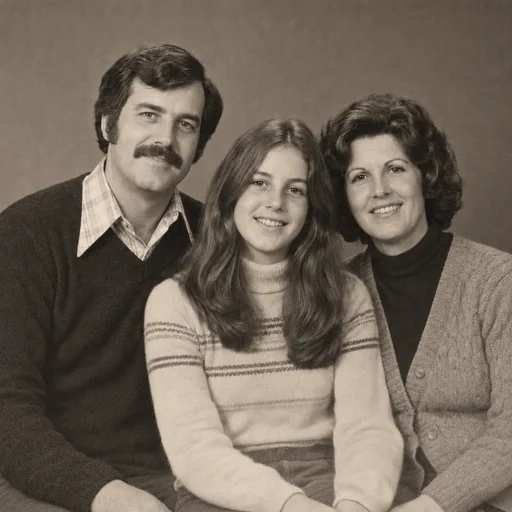
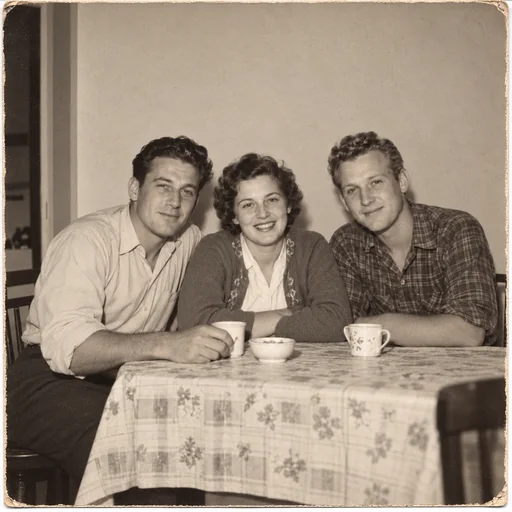
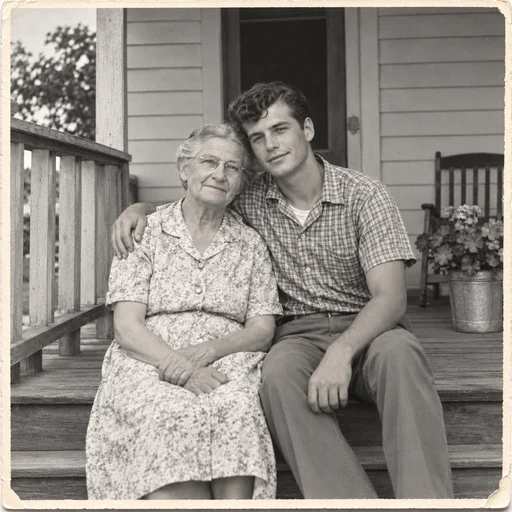

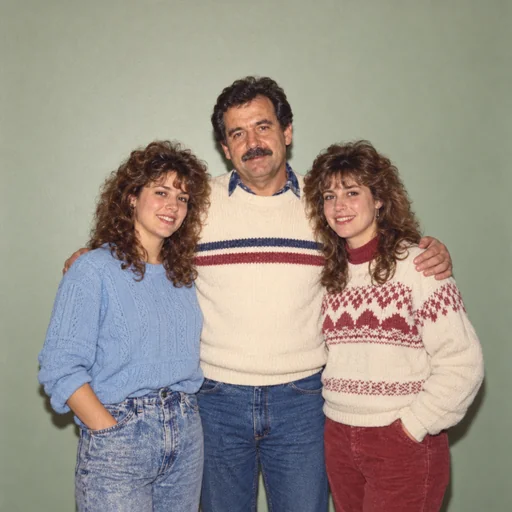
Restore visible fading, scratches, tears, and missing detail with guidance to retain your photo’s people, era, and natural character.
Upload the faded family photo you want to restore, keeping the original available for comparison.
Describe which scratches, tears, fading, or missing details to address, and request a natural level of repair.
Ask to preserve the original people, expressions, era, and composition, then review details for authentic photographic character.
Photo restoration
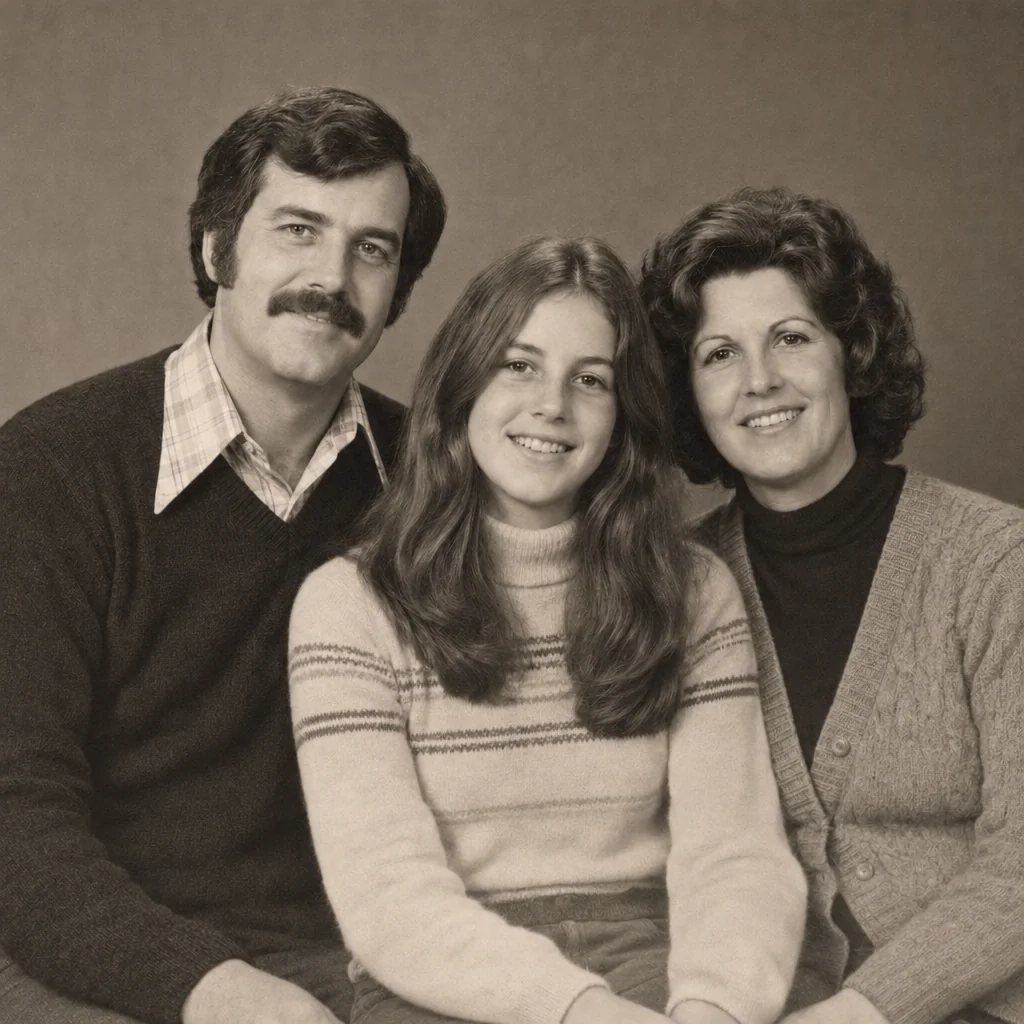
Explore restored photographs with the original people, expressions and photographic character retained.
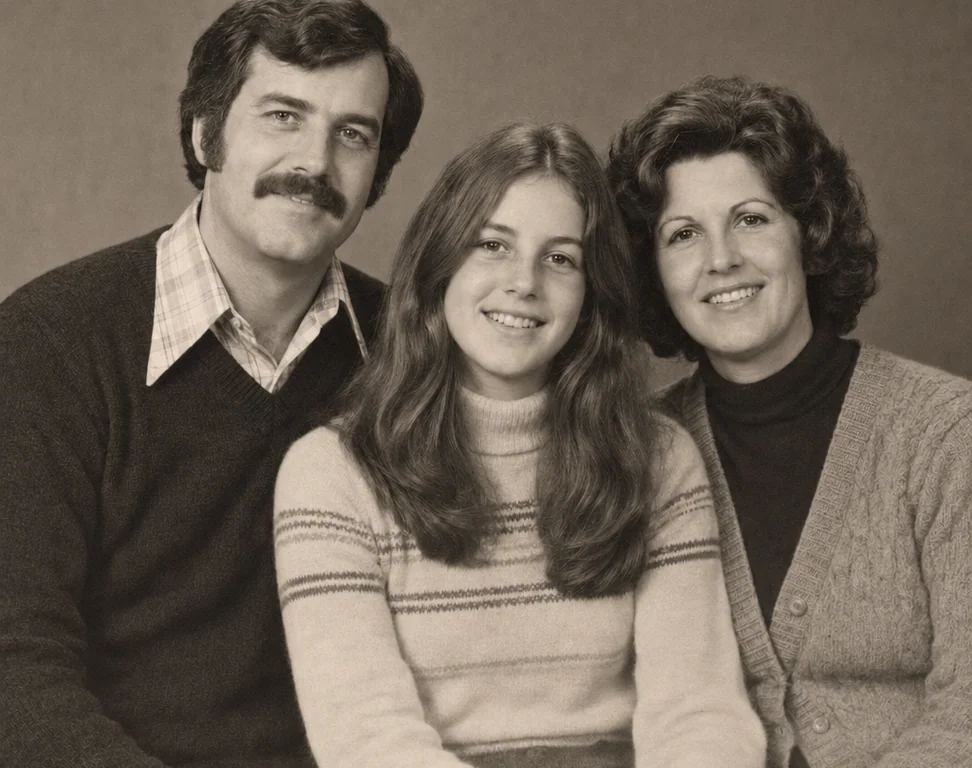
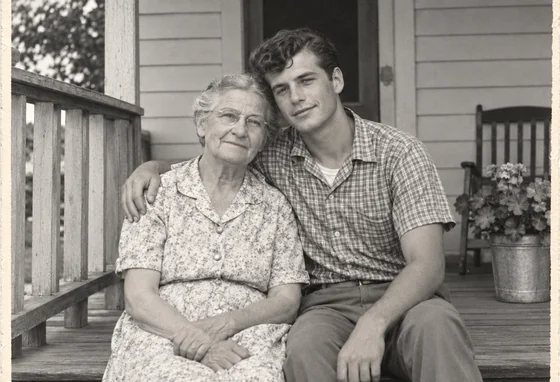
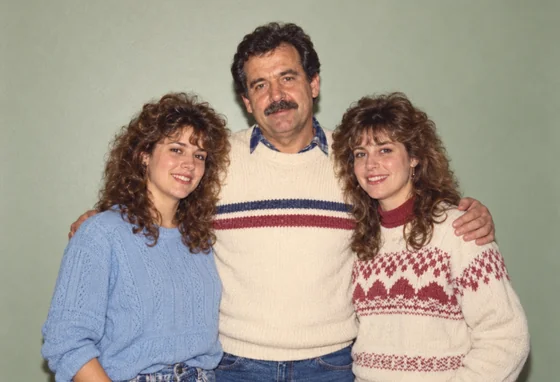
Upload your scanned photo, describe the repair and details to preserve, then review the restored result.
Step 1
Start with the original imperfect scanned photo you want to improve.
Step 2
Use this request to improve the photo while preserving its people, expressions and scene.
Step 3
Compare faces, expressions, clothing and scene details with your original photo.